Flight From To

Customize your travel itinerary by choosing the options that suit your preferences.

Prepare for your journey

Do Now
Get ready for check-in and security before your flight.

Check your flight details

Confirm your terminal, gate, and boarding time on your boarding pass.
View flight info

Keep travel documents ready

Have your passport, visa, and boarding pass ready for inspection.
Learn what to prepare

Know your terminal layout

Go to your airline’s check-in counter to drop off checked luggage.
Find check-in counters
PRO TIP
Most airlines open their check-in counters 3 hours before international flights. Save time by using self check-in kiosks if available.
 If you need

Self check-in kiosks

Skip the counter line and print your boarding pass using the self-service machines.
Locate kiosks

Airline baggage policies

Check weight limits and rules for your hand and checked baggage.
View baggage rules

Transport & Parking

Do Now
Find parking spaces for every trip and choose options that suit every passenger.

Wi - Fi

Do Now
Stay connected while you’re at KKIA.

Connect to KKIA Free Wi-Fi

Open any browser on your device - the Wi-Fi page loads automatically.
Learn more

Check your flight updates

Use the Wi-Fi to check your gate, boarding time, and any schedule changes.
View live flight info

Use KKIA Website & Whatsapp

Access maps, dining, and real-time flight alerts.
Turn on notifications
PRO TIP
If your connection is slow, switch between “KKIA Free Wi-Fi 1” and “KKIA Free Wi-Fi 2” networks for better coverage near your terminal.
 If you need

Technical support

Having trouble connecting? Visit the Information Desk or ask a staff member in a green “Ask Me” vest.
Find help

Charging stations

Recharge your devices while connected. Charging spots are available in all terminals and near most gates.
Locate stations

Pre-Security Zone Amenities (services, shops, dine)

Find essential services, helpful information and places to relax as soon as you enter the airport.
No results found.

Self service

Self Check-In Kiosks - Terminal 1

Near Check-In Row B

Save time and skip the queues with our Self Check-In Kiosks, available in Terminal 1. Simply use your passport or booking reference to print your boarding pass in just a few minutes. This service is available for select airlines only, so please check with your airline to confirm eligibility.

1

Approach a kiosk and select your airline

2

Scan your passport or enter your booking reference

3

Select or change your seat

4

Print your boarding pass, bag tag, or both

Self Bag Drop Counters – Terminal 1

Opposite the kiosk zone, near Check-In Row B

Once you've checked in, head to our Self Bag Drop Counters to quickly tag and drop your luggage. Available in Terminal 1 for eligible airlines.

1

Place your bag on the scale

2

Scan your boarding pass

3

Attach the printed luggage tag

4

Confirm drop-off and receive confirmation

Check-in and baggage

Check your airline’s check-in opening hours. Whenever possible, complete your check-in process online from the comfort of your home. You can then conveniently drop off your baggage at the designated check-in desk.
Where to go:

Loading...

Be sure to know the instructions regarding the prohibited items to carry in your:
All bagages (Examples)

Explosives

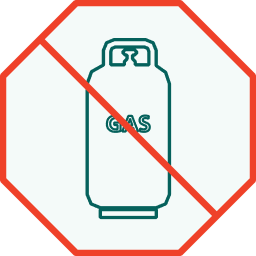
Compressed Gases

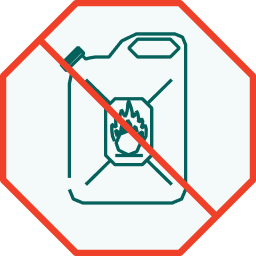
Flammable Liquids
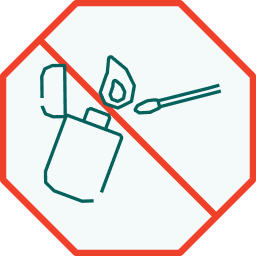
Matches & Lighters
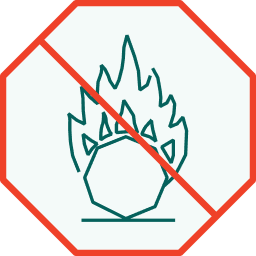
Oxiziders or Organic Peroxides
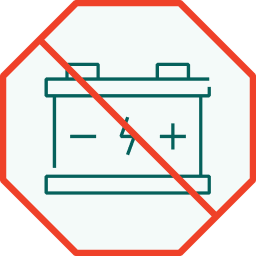
Corrosives
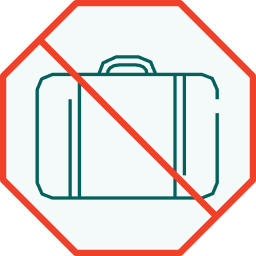
Security Type Cash Boxes / Bags / Attaché Cases
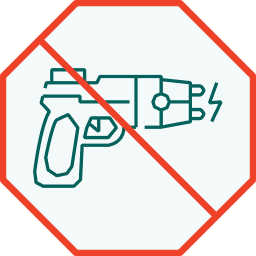
Electro Shock & Disabling Devices
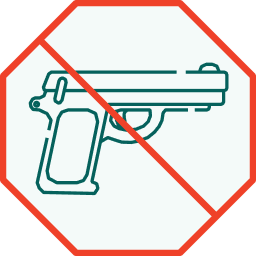
Firearms & Replicas
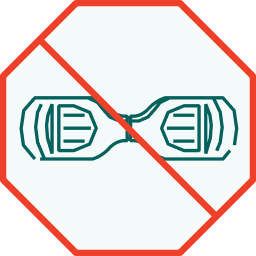
Hover-boards
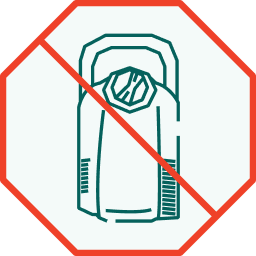
Liquid Oxygen Devices
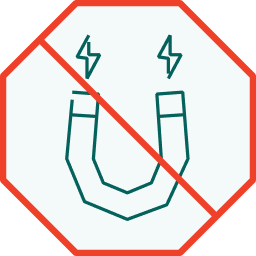
Magnetized Materials
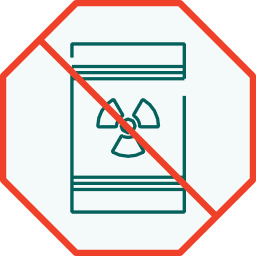
Radioactive Materials
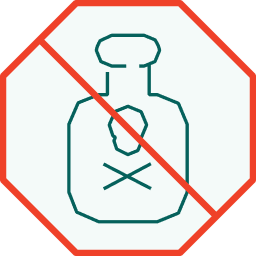
Toxic or Infectious Substances

Cabin baggage (Examples)

Firearms & Replicas

Explosives

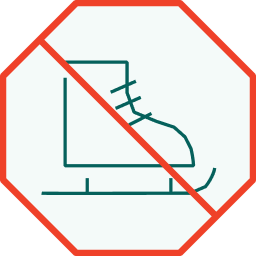
Ice Skates
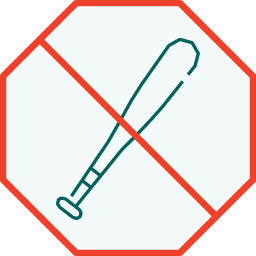
Baseball Bats
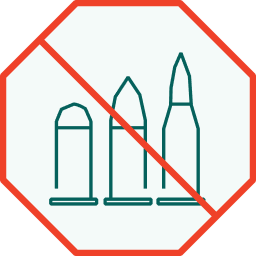
Ammunition
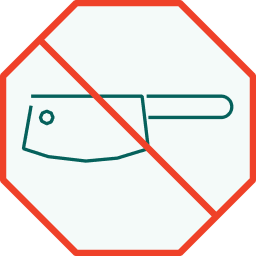
Meat Cleavers
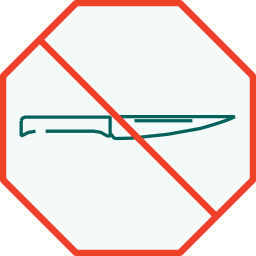
Knifes
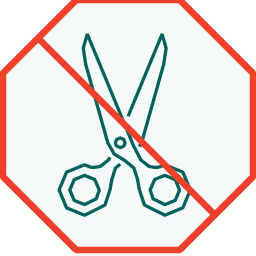
Scissors
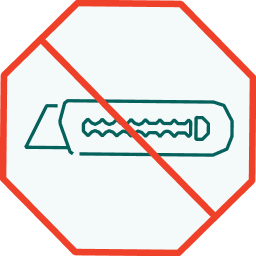
Blades
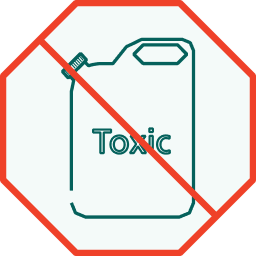
Toxic Liquids

Compressed Gases
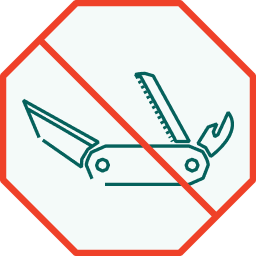
Army Knives
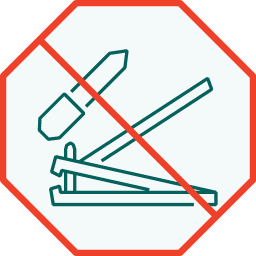
Nail Accessories
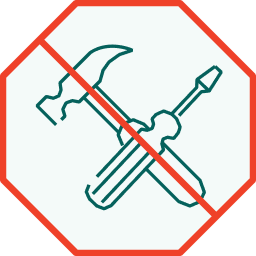
Tool

Corrosives

Radioactive Materials
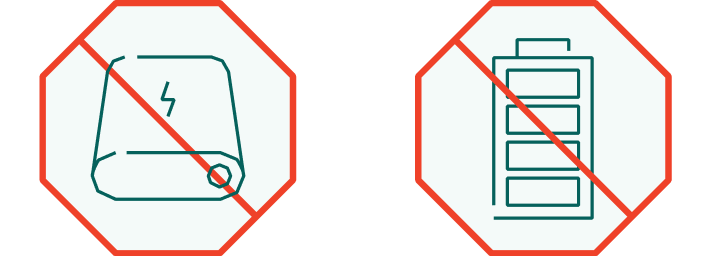
Checked (Examples)

Loose or spare batteries of all kinds including articles which have the primary purpose as a power source, e.g. power banks.

Immigration

Do Now
ImmigrationDeparture

Prepare your documents

Keep your passport, visa, and arrival

form ready for inspection.

View documents rules
ImmigrationDeparture2

Choose your line

Use the eGates if you’re a Saudi, GCC national or resident.
Learn more about eGates
ImmigrationDeparture3

Check waiting time

Current waiting time: ≈ 30+ mins

Stay calm and follow staff directions.

View live updates
PRO TIP
If you’re traveling alone, immigration officers and “Ask Me” staff can help carry small items or push your wheelchair when needed.
 If you need

Visa on Arrival

Eligible travelers can apply for a visa directly at the immigration counter.
Learn how

Need assistance?

Ask the Ask Me Team near the queue or use the info kiosks.
Find help

Security check

Do Now
Prepare for quick security screening.

Follow “Security Check” signs

All passengers must pass through a short security screening.
View map

Prepare your belongings

Keep electronics and liquids accessible. Follow staff instructions at the check point.
See security rules

Join the main security line

Follow the “Departures” signs to reach the general security screening area.
Get directions
PRO TIP
Liquids and electronics follow standard international security rules - but no need to remove shoes or belts unless asked.
 If you need

Current waiting time

Security queue time: less than 15 minutes on average.
Check live status

Assistance lanes

PRM and family lanes available at every recheck point.
Find your lane

Relax & wait for your flight

Find essential services, helpful information and places to relax as soon as you enter the airport.
No results found.

Boarding

Do Now
Get ready to board your flight.

Check your gate (F8)

Confirm your gate number and monitor displays for updates.
View map

Prepare your documents

Have your passport and boarding pass ready for inspection.
Learn about boarding process

Listen for announcements

Stay alert - gate numbers and boarding times may change.
View live updates
PRO TIP
Families and passengers needing extra time can board first. Listen for announcements or ask ground staff for assistance.
 If you need

Family boarding

Families with small children may use priority boarding lanes.
Ask ground staff

Special assistance

Pre-booked mobility support available at all gates.
Request help

Departure

Do Now
Check flight details before take-off.
DestinationWeather

Destination weather

PRO TIP
Double-check your destination terminal and gate for connecting flights before boarding - especially if flying on a codeshare airline.
 If you need

In-flight Wi-Fi

Some flights offer Wi-Fi — check with cabin crew after take-off.
Learn how

Arrival form reminder

If your destination requires arrival forms, request them early from the crew.
See country entry guide
NEED HELP?

Meet our Ask Me Team

Whenever you’re at the airport and need assistance, look for our Ask Me Team members, easily recognizable by their distinctive vests. They’re ready to help you with directions, flight queries, amenities, or any other questions you might have. If you prefer, you can always reach our support center by phone as well.

FlightDetails-AskMeTeam.png